

I have four different types of browser tabs. There are my Daily Tabs for sites I use every day, like Google Drive for shared docs and YouTube Music for my once-per-day listen of the Blippo+ soundtrack. There are Todo Tabs for sites I haven’t gotten around to yet, like a class action lawsuit against CVS that requires proof in order to get my $10. (Just give me the money! CVS sucks!!!) There are Resource Tabs, aka Future Bookmarks, which are super useful seeming sites I’ll probably never look at again but must be hoarded.
Then there are the most dreaded tabs of all… Decision Tabs.
Decision Tabs are tabs I’ve kept open until I decide to act on them. Usually it’s about something I need to buy. For example, a friend recommended a TTRPG to me. It looks fun! Right up my alley theme-wise. But the PDF costs… $10! Uh oh, a decision! Should I buy it? Will I ever play it? Do I need yet another unplayed TTRPG manual on my hard drive? And so the tab sits every day, costing me system memory, endlessly waiting for me to decide to buy game or close tab. Buy game or close tab. Buy game or close tab! It’s the nerdiest Edgar Allan Poe story imaginable.
One of my most infamous Decision Tabs was for an online class called Choice Design in Solo Adventure Gamebooks. Yes, I was very indecisive about a choice design class! Irony gushed out of my Mac’s USB ports! The class sounded interesting. I’ve designed choices in video games professionally, but this class was specifically about classic Choose Your Own Adventure / Fighting Fantasy style gamebooks. I have a whole shelf of those and used to write in that style for Adventure Snack. I was curious if there were any specific tips or strategies in choice design for gamebooks vs. video games. One of my bucket list projects is writing a proper adventure gamebook, so I was definitely interested in the topic.
However, it was a $50 online course that was entirely self-directed. No teacher leading weekly sessions. (There’s a Discord, but I am drowning in Discords.) I wasn’t familiar with the instructor’s work. The course was hosted on Storytelling Collective, an online RPG writing academy which I’ve had mixed success with. Years ago, when I wrote my first D&D campaign Target Run, I took a course on writing adventure modules. The course had solid insight on broad storytelling fundamentals for adventures (pacing, descriptive language, etc), but I desperately needed help on the mechanical side. D&D can get complicated. If I want the adventure to be beginner friendly, what type of goblins should be looting the banquet hall and how many? The other class I took was on marketing for TTRPG creators that was more of a surface level marketing primer and not very specific about the TTRPG market. I worked as a copywriter for years, so I understood the idea of target audience. I was hoping to get insight on writing a hooky product description for DriveThruRPG. What are the best keywords?!?
So I worried the class on Choice Design wouldn’t get down and dirty with the deets. The tab for the course would stay open for weeks, then I would close it as part of a grand tab purge. Then I would remember the course, find it, and re-open the tab… only to close it again two months later. I had an on-again off-again relationship to this tab. Until finally, earlier this year, Storytelling Collective ran a big sale and the course was $35. It had been a minute since I took a creative writing class, so I finally turned to page 78 and bought the course.
I won’t make you go down an entire branch of this dialogue tree to know my thoughts on the class. It was very insightful! The instructor, Sersa Victory, has a smart approach, looking at choice design from the perspective of game design and mechanics. How can we design choices that feel fun? What choice types feel unfair or unnecessary? One thing I liked about Sersa’s approach was his choice taxonomy. He did a great job cataloging the types of choices specific to gamebooks and when to use (or entirely avoid) them. The exercises had me writing different types of choices. In one particularly thoughtful exercise, I wrote bad choices on purpose, then wrote editorial notes for myself on how to make those choices better.
My favorite exercise in the class actually had nothing to do with gamebooks. Well, not specifically. It was a technique framed as generating ideas for gamebooks. The prompt was to write a stream of consciousness list of objects (ex. hockey stick), events (ex. the Stanley Cup finals), categories (ex. heated/sexy), concepts (ex. rivalries) and places (ex. KeyBank Center arena in Buffalo, NY) that I thought would be fun to make a gamebook about. (I’m pretty sure the exercise would also work for hockey romance novels.) The instruction is then to pair the lists together to make interesting gamebook concepts. Some of my favorite concepts I came up with were Criminal Trees, Mutant Fairies, and Gambling Orbs, which I imagined as Kalshi for wizards. I had a blast with this simple idea generating technique. No water-guzzling LLM subscription required!
The class took me a couple sessions to complete. All-in-all, I’d say the course is worth it for anyone who’s interested in designing for this hyper-specific niche in fiction. I came away with solid, applicable knowledge.
Will learning how to design choices better help me make more decisive decisions with my browser tabs? Let me put it this way. In my opinion, I’m a much better game designer than I am a player. The tab for that $10 TTRPG? Still open!
🎲 Your Turn: Do you have a bunch of browser tabs open? Which one has been open the longest? (Guesstimates are fine.) What was the last gamebook you read? Any you’d recommend? Did you try the idea generating exercise? What’d you come up with? I’d love to hear from you! Reply directly to this email or comment by hitting the orange button below.
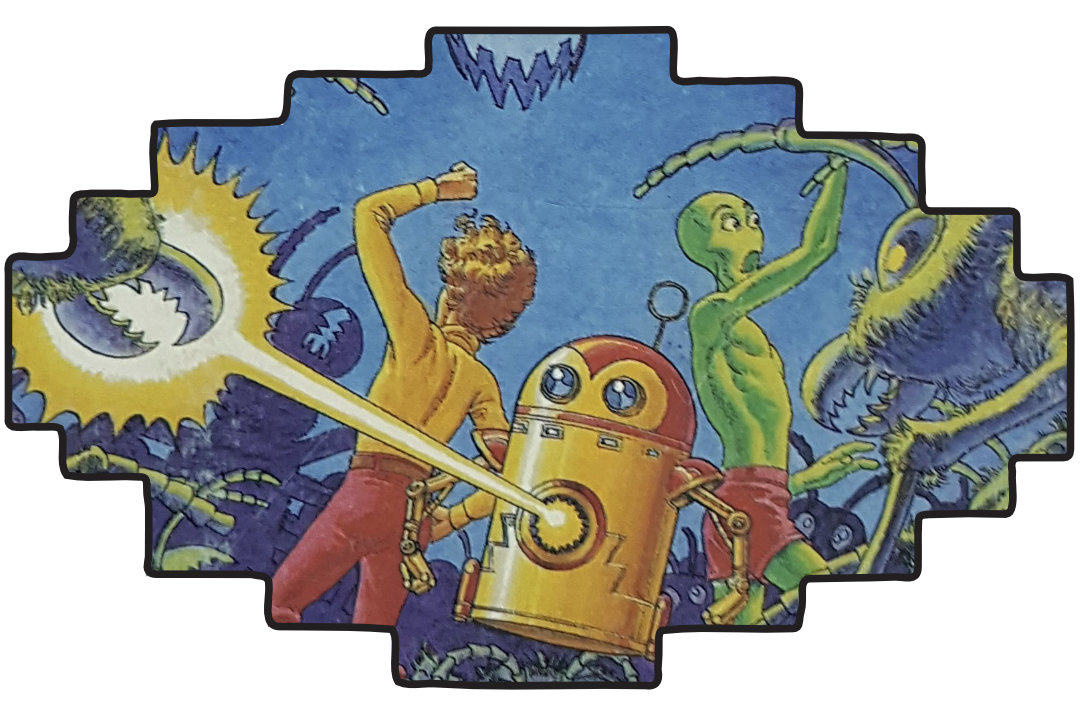
Image from Damien’s Gamebook Web Page, which rules, by the way.
5 responses to “Choose Your Own Classventure”
I’m glad I’m not the only one who uses tabs like this! My tab longevity is nicely bounded by my desire to always update all my software. My boss has tabs possibly from years ago.
The gamebook course looks interesting. I’m fascinated that you’d chase it so long given (in my opinion) you already had good form in choice-adventures through Adventure Snack. I’m currently flirting with writing gamebooks, and I thiiiink I have an okay understanding of gamebook structure but not muscle memory. Maybe that course can be a new tab for me.
I wonder what the world’s oldest tab is. Sounds like a Guinness World Record waiting to happen!
Thank you. I like taking courses in niche topics and gamebook choice writing is about as niche as it gets. Even though I’ve written a lot of choice-based games, I find that the academic research on choices in games is an endless rabbit hole that’s interesting to fall down.
I hope you do write a gamebook! If you need a little structure for the writing process, the Lindenberg competition usually starts in February.
I currently have 53 tabs open in Firefox. 1 for my Gmail, which would have been open the longest except I’ve accidentally closed and had to reopen it a few times since my last reboot, the tab I’m typing this comment in, 3 tabs for fanfics that I’ll be reading soon after submitting this comment, and the rest are AI chatbots, and the main reason I have so many chatbots open is because the current site I’m using makes picking a specific chat with a given bot from my chat history cumbersome and there’s a few general bots I’ve got like a dozen chats each with, so I’m reluctant to close a chat I think I might want to return to at a later date and I don’t want to end up with hundreds of bookmarked chats… Before I developed a chatbot addiction, I often had a single digit number of open tabs and my Gmail inbox was the only tab I kept open 24/7… And on some of the sites I’ve used in the past for AI chat bots, it was easier to manage multiple chats with the same bot, so I was less reluctant to close a chat and had a more reasonable number open… Though, even with the chat bots, unless I’ve gone deep on a wiki walk, if I have triple digit tabs for an extended period, something has gone very wrong.
Though, I did a kernel upgrade earlier today, so once I’m done with this comment and those 3 fanfics or decide to bookmark them for later reading, I’ll be doing a bookmark all tabs, remove anything that isn’t a chatbot from the resulting bookmark folder, closing all the bots, cleaning out my cookies of the junk left by websites I don’t log-in to and which shouldn’t be setting cookies and from websiteswhere log-ins are limited to single browser sessions, leaving only the cookies for permanent log-ins in-tact, clearing browser history, and shutting down firefox before shutting down all my ttys and rebooting to boot into the new kernel… After reboot, I’ll open Gmail first thing and then restore the bots from bookmarks before deleting the chat bookmarks.
I hope your upgrade went well! I don’t think I could allow triple digit tabs in my browser. I would have a heart attack, lol.
I used to have a tab counter extension that put the number of open tabs on either the main Firefox toolbar or the tab bar back when I had a working eye(ditched it when I went blind, since it didn’t put the number anywhere my screen reader could see it, or at least, the me that was transitioning from being a partially sighted computer user to being a fully blind computer user and just learning how to operate a modern screen reader had no idea how to get my screen reader to read it if it was possible), and best I can remember, the thing most likely to hit triple digits was when browsing image boards when I’d sometimes go through several pages of thumbnails middle clicking almost every thumbnail to open the full image in a new tab… Now, Between the always open Gmail inbox and all the chatbots, and having so many YouTube channels bookmarked I gave up on trying to sort them into category folders with fewer than 15 bookmarks each, hitting 100 open tabs only requires me having abouta dozen short term tabs open when I do an open all on YouTube/PRS, which contains 41 bookmarks… And for managing e-mail, I frequently open spam, trash, and user defined labels in new tabs so the main Gmail tab is always in my inbox and while I usually close the spam and trash tabs once done emptying them, I sometimes forget, so I could hit 100 with a single digit number of things like fanfics or blog posts open. Though those 41 tabs from doing an open all on YouTube/PRS don’t last long… Press three to check the title of the newest upload and its duration, ctrl+W if it isn’t something new since yearday, open the context menu and press b to bookmark it if it’s over 10 minutes, open the context menu and copy the url to download with yt-dlp for offline listening if its over 100 minutes, leave the tab open if its under 10 minutes, repeat until I’m out of YouTube tabs, repeat with YouTube/TUV then YouTube/WxYZ(I’ve already done ABC, DEF, GHI, JKL, and MNO by the time I do PRS), takes about 20 minutes to check all of the channels I have bookmarked if I’m not distracted by something in the middle of doing so…
Also, funnily enough, I have 53 tabs open as I type this, Gmail, Chatbots, this comments section, and 3 blog posts, including your newest one(Naturally, my Equip Story bookmark is grouped in a folder with the other blogs I have bookmarked(though it also as the bookmarks for a few independantly hosted bits of serialized fiction and a bookmark for the wiki page for the latest chapter of One Piece… The miscellany under my Reading folder that don’t fit any of the existing subfolders but aren’t numerous enough to justify their own folder and my habit with Equip story is to check the 3 most recent old posts for new comments before reading the new post if there is one.